
Fokus utama
Atur perilaku pemindaian agar Mobile Inventory membuka layar dan tindakan default yang paling sesuai dengan alur kerja Anda.
Opsi pemindaian menentukan layar mana yang dibuka setelah pemindaian dan tindakan default mana yang dijalankan terlebih dahulu.
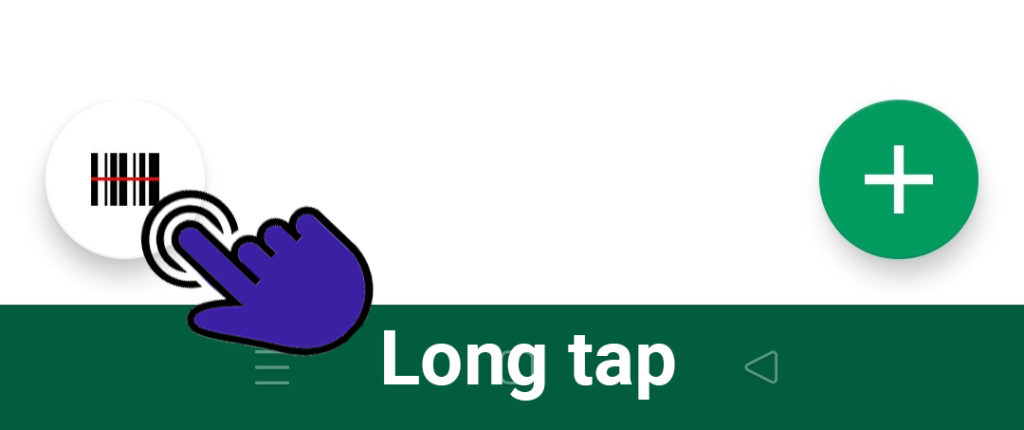
Anda dapat beralih di antara opsi ini kapan saja.
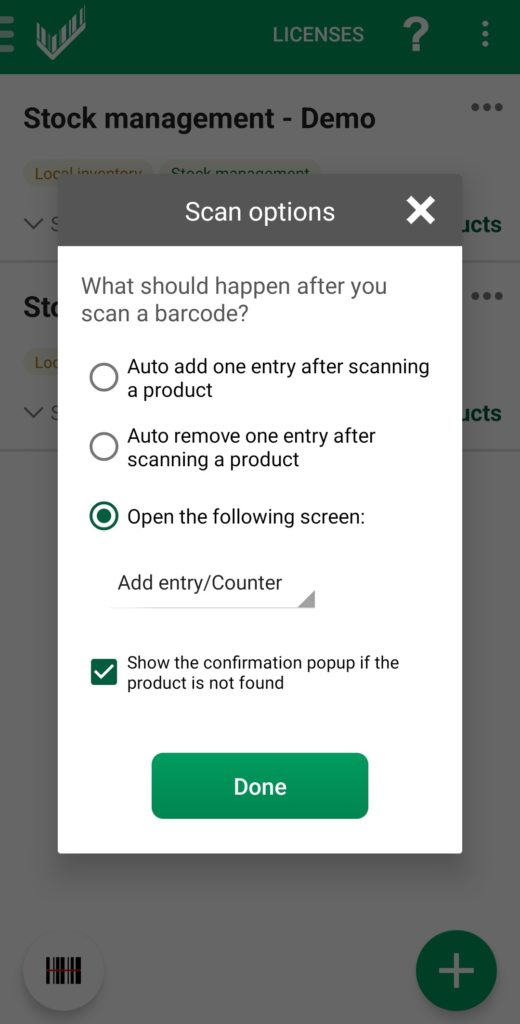
Auto-add setelah scan
"Auto add one entry after scanning a product" akan langsung menambahkan satu unit untuk produk yang dipindai.
Pilih layar default
- Detail produk Gunakan ini jika Anda biasanya perlu meninjau atau memperbarui field khusus produk seperti gambar, kategori, unit ukuran, atau custom field.
- Tambah entri / penghitung Ini adalah layar default dan opsi yang paling umum saat tugas utama Anda adalah menambahkan entri.
- Riwayat entri Gunakan ini jika Anda terutama ingin memeriksa item yang sudah dihitung sebelumnya.
- Popup - tambah entri Versi ringkas ini terbuka di layar saat ini dan menampilkan field dasar, termasuk jumlah dan lokasi.
Pilih jalur tercepat
Atur layar default ke tindakan yang paling sering Anda ulangi. Ini mengurangi ketukan tambahan selama sesi pemindaian.